
You can use the Distributed Collector settings to connect a distributed collector to a remote LogPoint.
A distributed collector collects logs from different sources, normalizes them using the signatures applied, and forwards them to a remote LogPoint. You must configure sources and storage location in the remote LogPoint.
Go to Configure >> Settings >> System >> Distributed Collector Settings.
Select the LogPoint Collector where you want to configure the distributed collector settings. You can only select a single LogPoint collector.
Note
You can only add distributed collector in a LogPoint collector.
You cannot add a single LogPoint collector to multiple remote LogPoint instances.
Click Next.

Configuring the Distributed Collector Settings
Select a Remote LogPoint. The Private IP of the remote LogPoint populates accordingly.
Enter the Password of the remote LogPoint’s open door configuration.
Note
You can add multiple distributed collectors to one LogPoint.
Click Next.
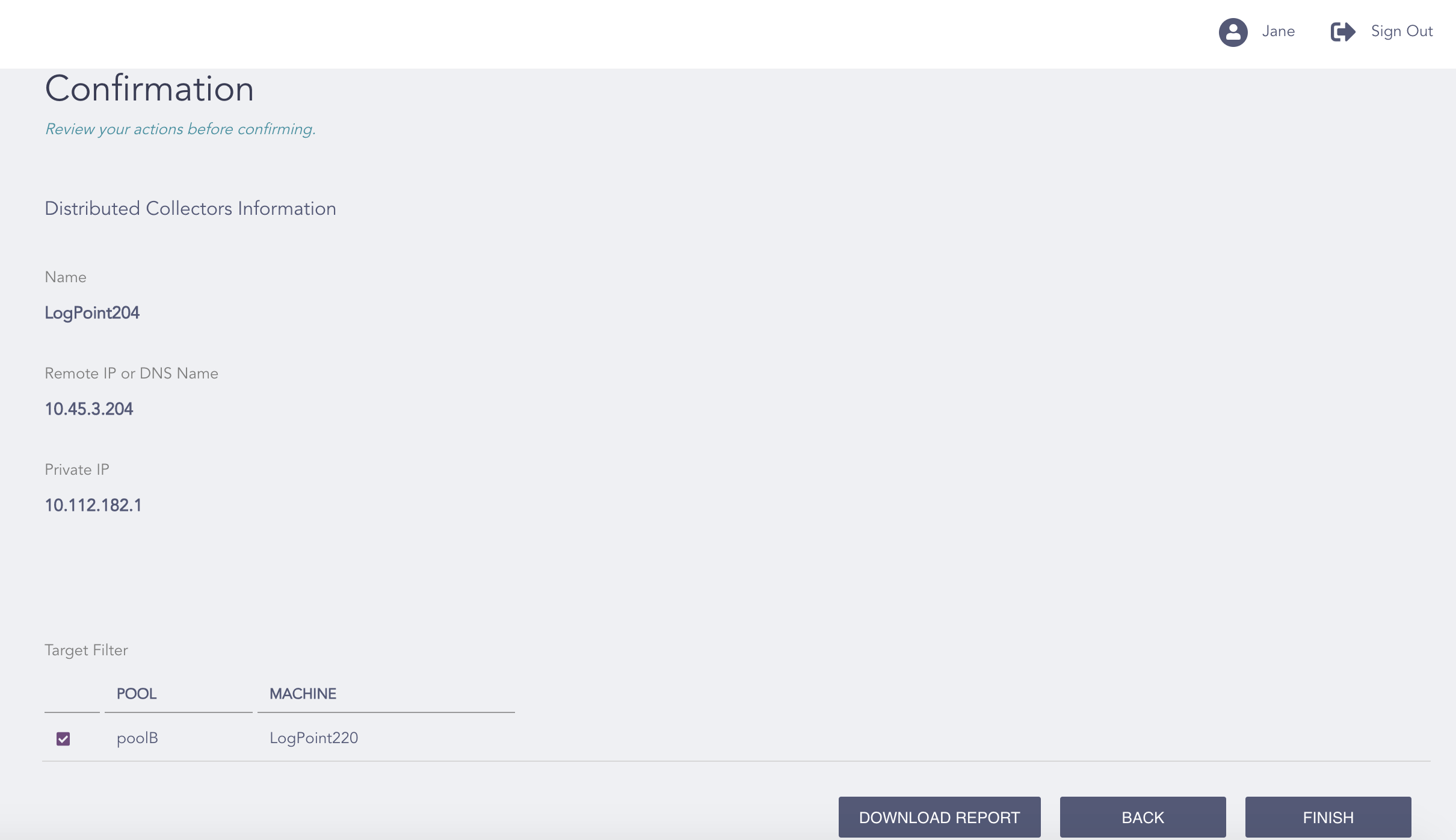
Confirming the Changes
Review your changes. You can go Back to make any changes if necessary.
Note
Click Download Report to save the summary of the task in PDF.
Click Finish.
Click OK.